Business Tools
Collect payment at the till or against debtors — Cash, M-Pesa STK (PROMPT USER), Equity, and KCB — then print invoice, thermal, and proforma receipts. Fiscal documents can include KRA eTIMS QR. Admins configure printouts under All documents; subscriptions settle on Paybill / M-Pesa.
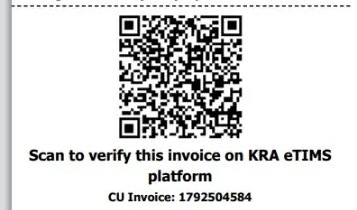
KRA eTIMS receipt
Scan the KRA QR to verify the invoice on eTIMS.
In CentrixERP
Checkout is glass-clear: totals, balance, and change. Mixed tender lets one sale use Cash plus M-Pesa STK, Equity, or KCB. Thermal and A4 invoices can carry a KRA eTIMS QR for verification. All documents in Administration configures every printable — including salary receipts — with live preview beside the settings.
Typical flow
Product screens
KRA eTIMS thermal sample, glass checkout tenders, and payment mix on end of day.
KRA eTIMS receipt
Scan the KRA QR to verify the invoice on eTIMS.
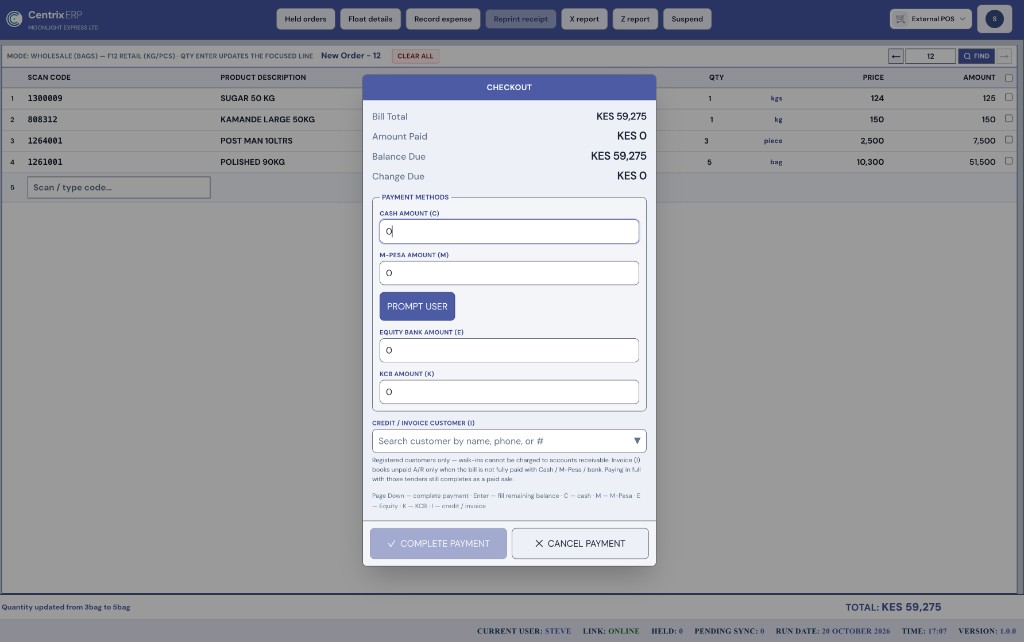
Checkout — payments & M-Pesa STK
Glass checkout for Cash, M-Pesa (PROMPT USER STK push), Equity, and KCB — plus credit customer search.
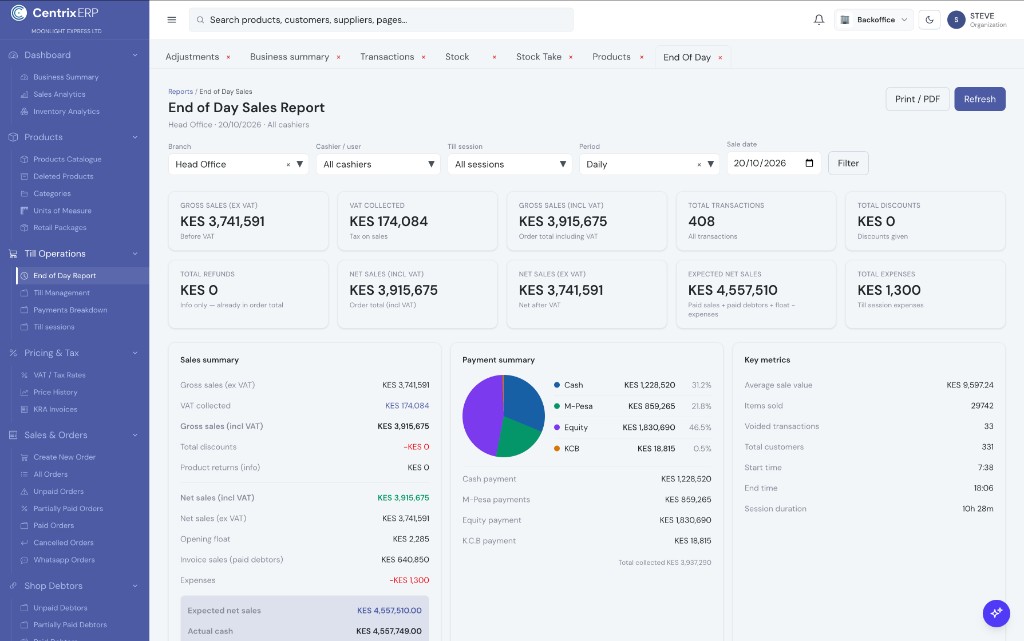
End of day sales report
Gross sales, VAT, payment mix (Cash, M-Pesa, Equity, KCB), float, expenses, and paid debtors.
Payments & glass UI
At complete sale, CentrixERP opens a glass-style checkout overlay — light, readable panels over the order — so cashiers see bill total, amount paid, balance, and change at a glance. Tender Cash, M-Pesa, Equity Bank, and KCB on one bill. For M-Pesa, PROMPT USER sends an STK push to the customer’s phone. Credit sales use customer search by name, phone, or number. Keyboard shortcuts (C, M, Enter, Page Down) keep busy counters fast.
Checkout payments
Glass checkout with M-Pesa STK PROMPT USER.
All documents
Printouts are configured per organisation. Fiscal invoices and thermal receipts can include a KRA eTIMS QR for verification.
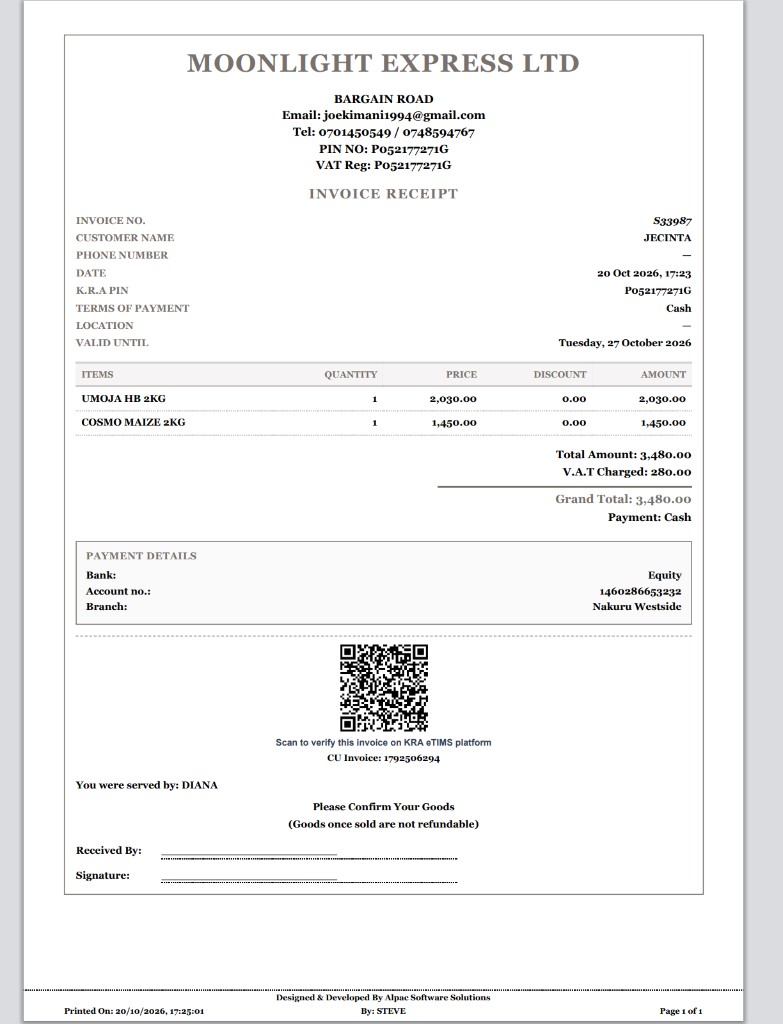
Invoice receipt
A4 invoice with bank details, VAT, and KRA eTIMS QR.
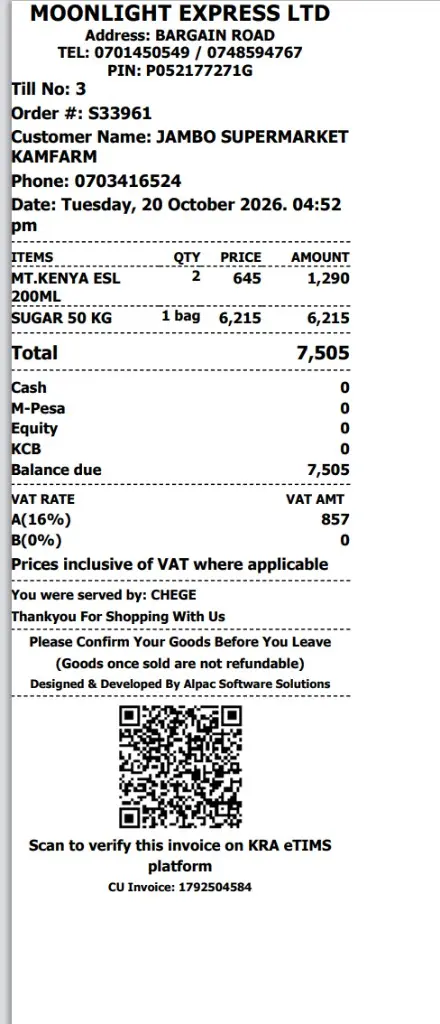
Thermal receipt
POS thermal slip — Cash, M-Pesa, Equity, KCB and KRA QR.
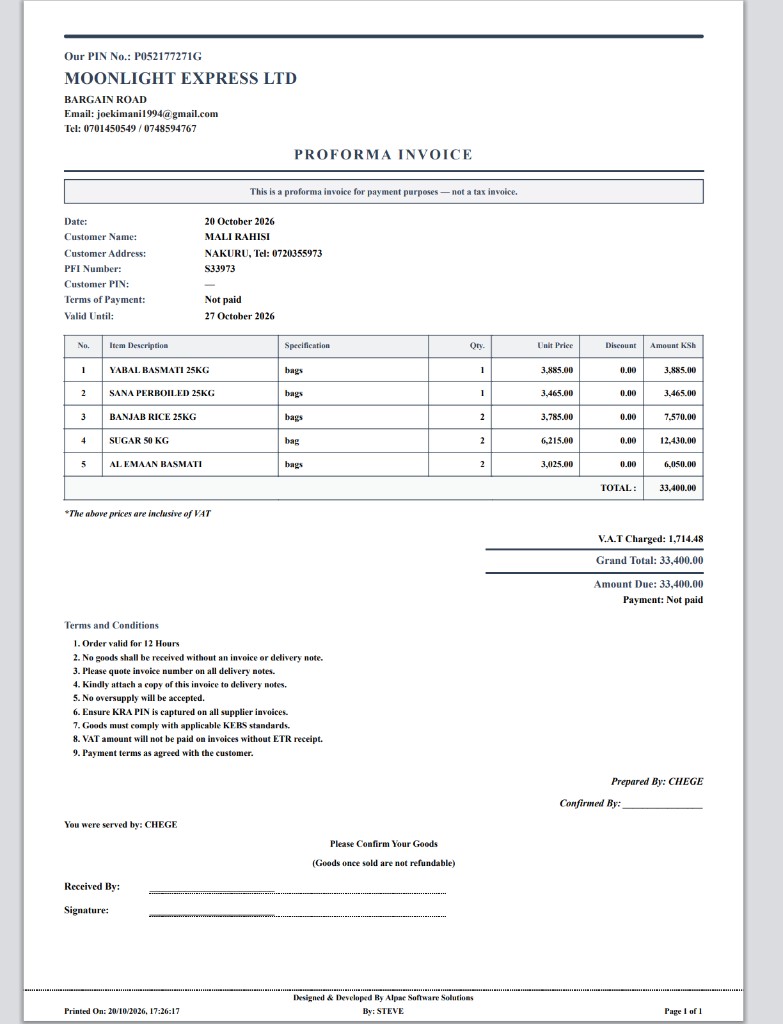
Proforma invoice
For payment purposes — not a tax invoice.
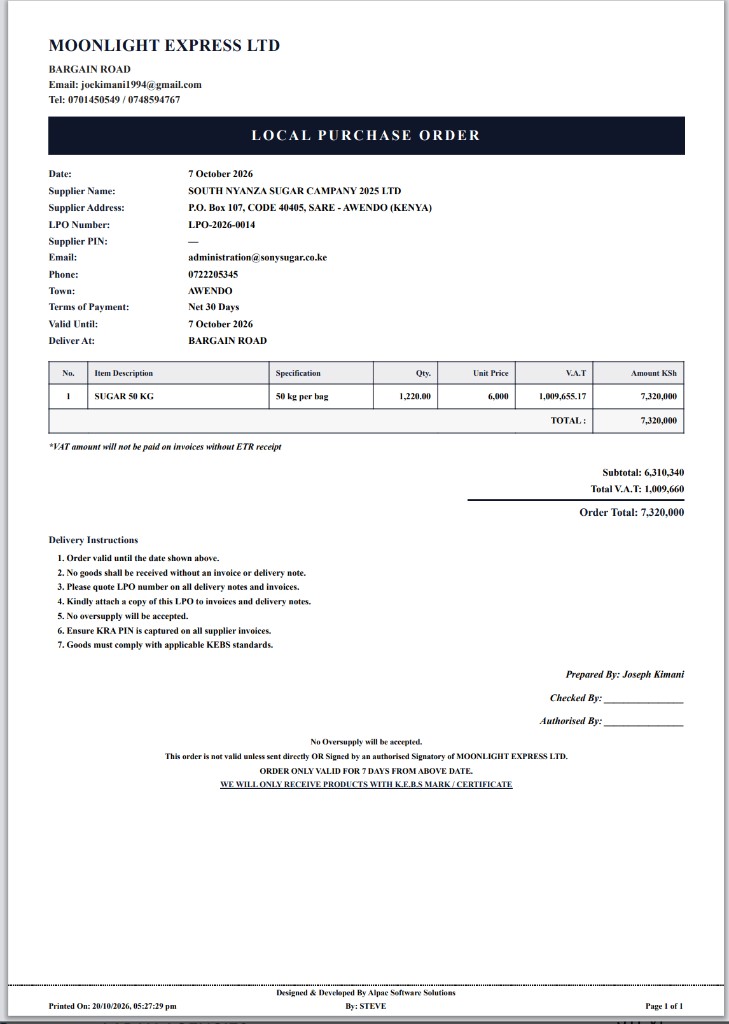
Local purchase order (LPO)
Supplier order with VAT, terms, and KEBS compliance notes.
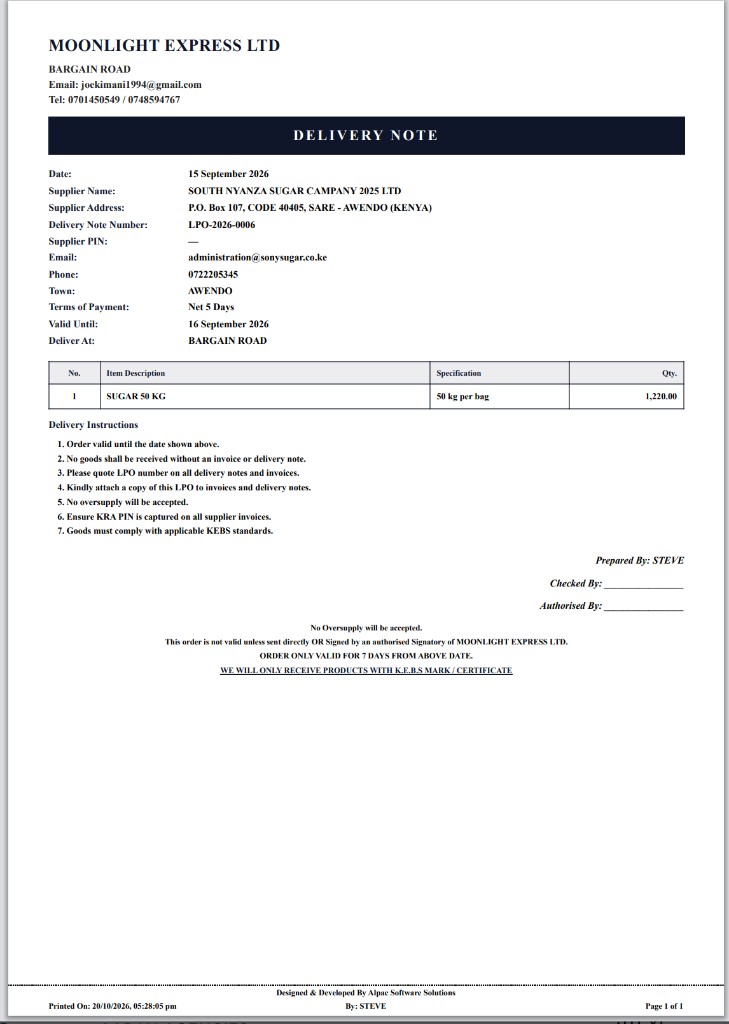
Delivery note
Goods delivery with qty and authorisation sign-off.
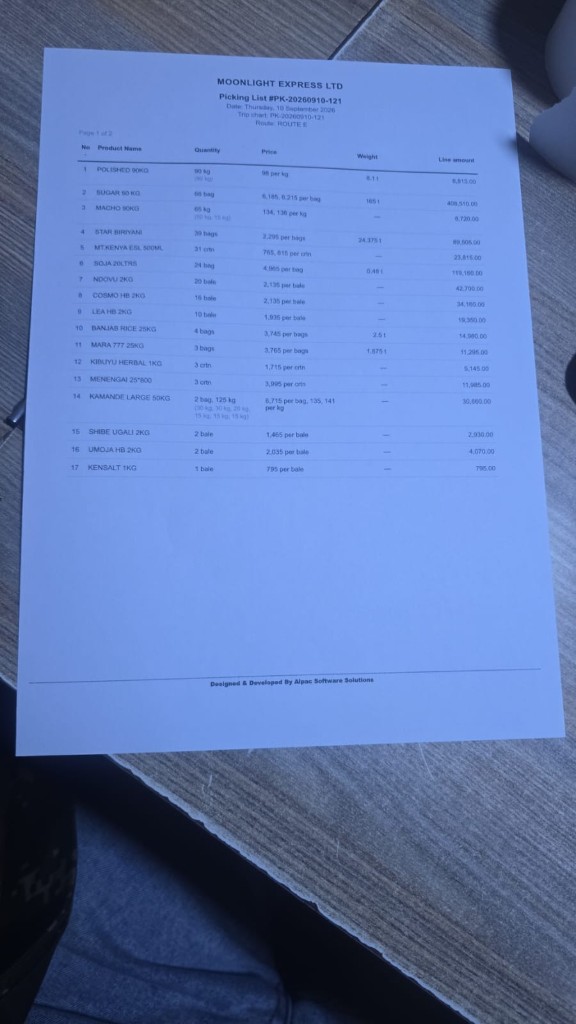
Picking list
Warehouse picking for distribution trips.
Core Modules
External POS for retail and wholesale counters — pharmacy, hardware, supermarket, warehouse shop floor, or small shop. Choose Modern UI or Classic Mode (table search), pick your own colour theme, then sell with scan/search, packages/UOM, held orders, M-Pesa, till sessions, and end-of-day tied to Backoffice. Pair with shop debtors when customers buy on credit.
Core Modules
See what you have in packaging hierarchy — bags, bales, cartons, and kg — across shop and store locations. Track inventory movements by product, transfer stock, receive goods, adjust write-offs, and keep cost totals next to available pack quantity × cost price.
Core Modules
Accounting dashboard for month-to-date performance — revenue, net income, assets, and receivables — plus expenses, customer invoices, payables, general ledger, bank and M-Pesa reconciliation, and financial statements (trial balance, balance sheet, P&L, cash flow).