Industry fit
Four industry products — not one generic till.
Retail & wholesale, hotel & hospitality, SPA & kinyozi, and driving school.
Retail & Wholesale
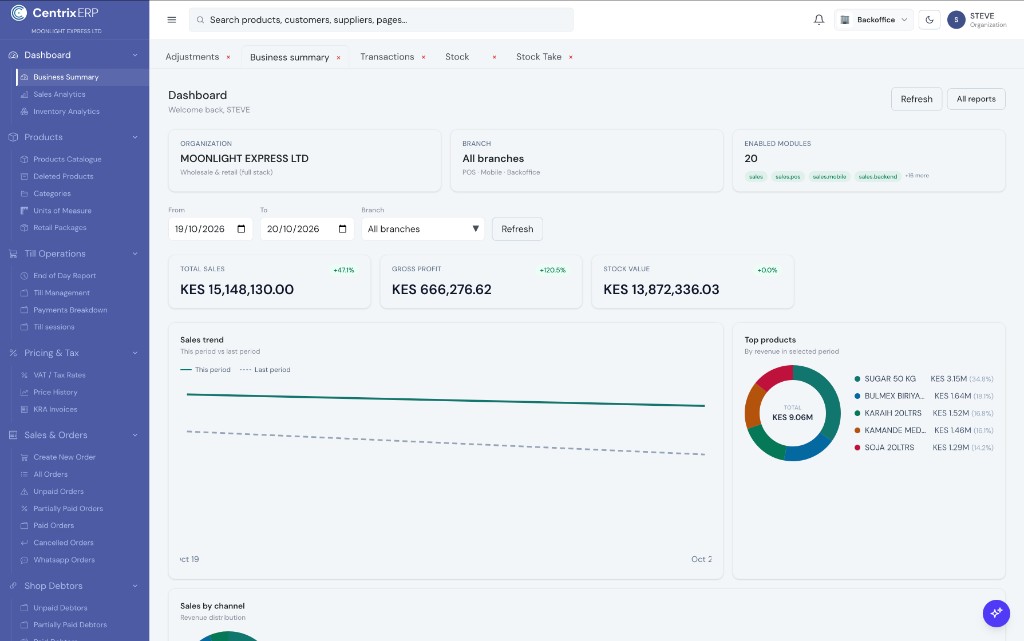
Sell on External POS, keep stock and purchasing in Backoffice, and see debtors and cash in one CentrixERP organisation — from any device.
Inventory updated
Stock received and reflected across shop and store locations.
Sales & POS
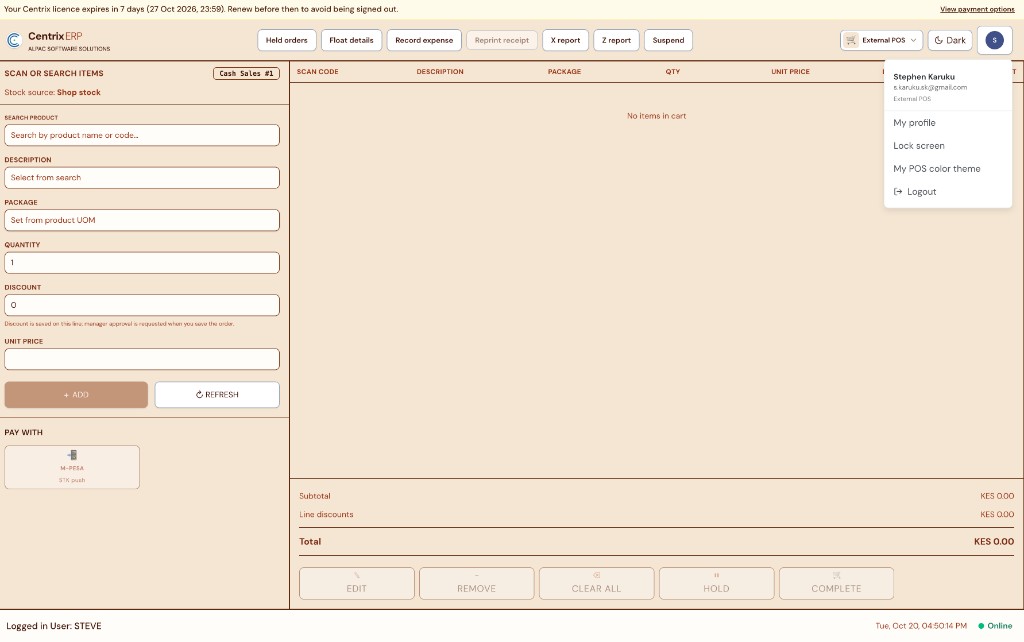
Modern or Classic till — Cash, M-Pesa STK, Equity, and KCB.
Shop debtors
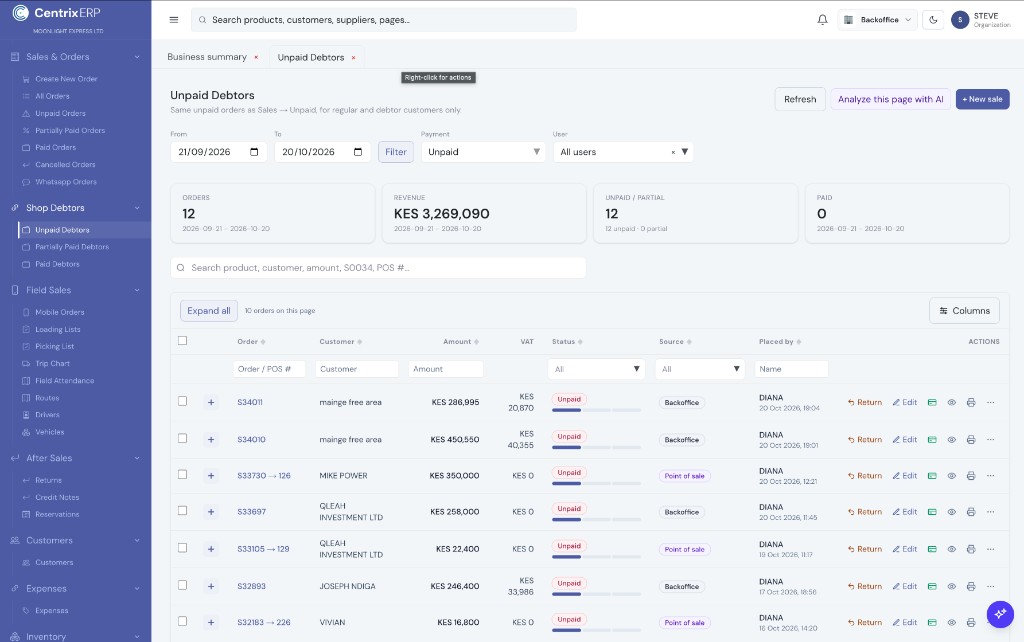
Unpaid balances and collections on the same organisation.
Who CentrixERP is for
Retail and wholesale shops first — then hotels, salons, and schools. Pharmacies and hardwares are example floors on the same Retail & Distribution product. CentrixERP keeps sales, stock, debtors, and day-to-day work in one cloud organisation.
Cloud hosted
Access from any device
Industry packages
Modules that match your floor
Local payments
Paybill · M-Pesa in KES
Shops · bags · debtors
Counter and bulk selling with credit customers on one organisation.
ExploreMulti-till · stock
Fast multi-till checkout with catalogue, VAT, and day-end control.
ExploreExample floor
Same Retail & Distribution product — scan codes, packages/UOM, and stock.
ExploreExample floor
Same Retail & Distribution product — pieces, packages, and credit accounts.
ExploreHotel & Hospitality
Rooms, folios, and bar tills that charge the guest stay.
ExploreAppointments · till
Chairs, appointments, and walk-in sales on one calendar.
ExploreLessons · fees
Students, instructors, vehicles, and fee schedules together.
ExploreRoutes · POD
Dispatch, picking, loading, and proof of delivery on the road.
ExploreRetail & wholesale, hotel & hospitality, SPA & kinyozi, and driving school.
External POS sales move Backoffice stock honestly — packaging hierarchy included.
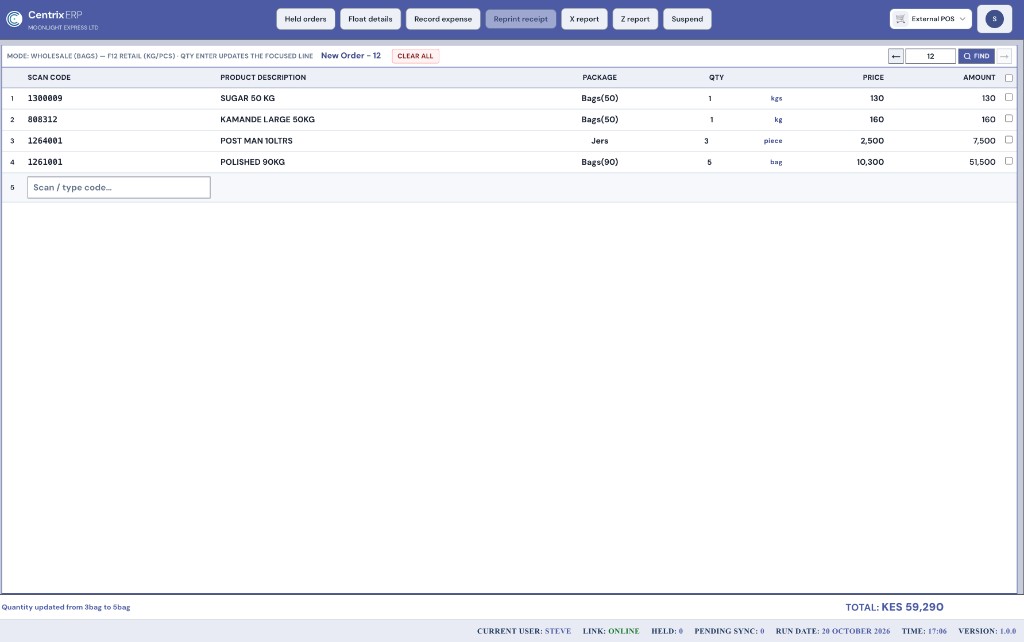
Classic Mode is the other External POS screen — dense table checkout for wholesale bags and retail packs.
Published by platform managers — not a ~KSh 100,000 ERP purchase.
Built for
Pick a capability in the tree — see how it works in CentrixERP with real product screens.
One External POS app
Modern UI + Classic Mode
Same checkout app after login — pick the screen that fits your counter.
Guided till
Modern UI suits touch and guided counters — scan or search products, set package and quantity, hold orders, then checkout with clear tenders.
After login
Retail & wholesale shops first — then warehouses, routes, hotels & bars, SPA, driving schools, books, and HR. Pharmacies and hardwares are example floors on the same commerce product. Optional QuickBooks when enabled.
Commerce product
Retail & wholesale shops
The primary CentrixERP floor — counter and bulk selling on one organisation. Pharmacies, hardwares, and supermarkets run on this same product.
One connected workflow
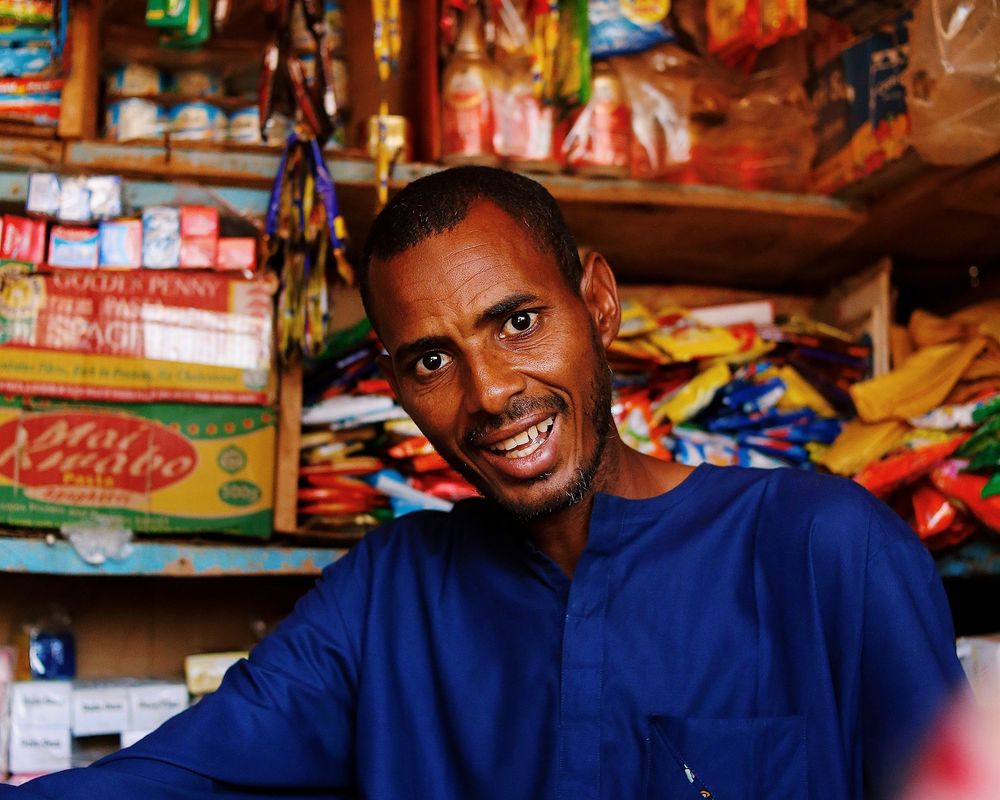 At the counter
External POS
Cashiers check out customers in a fast, clear point-of-sale screen.
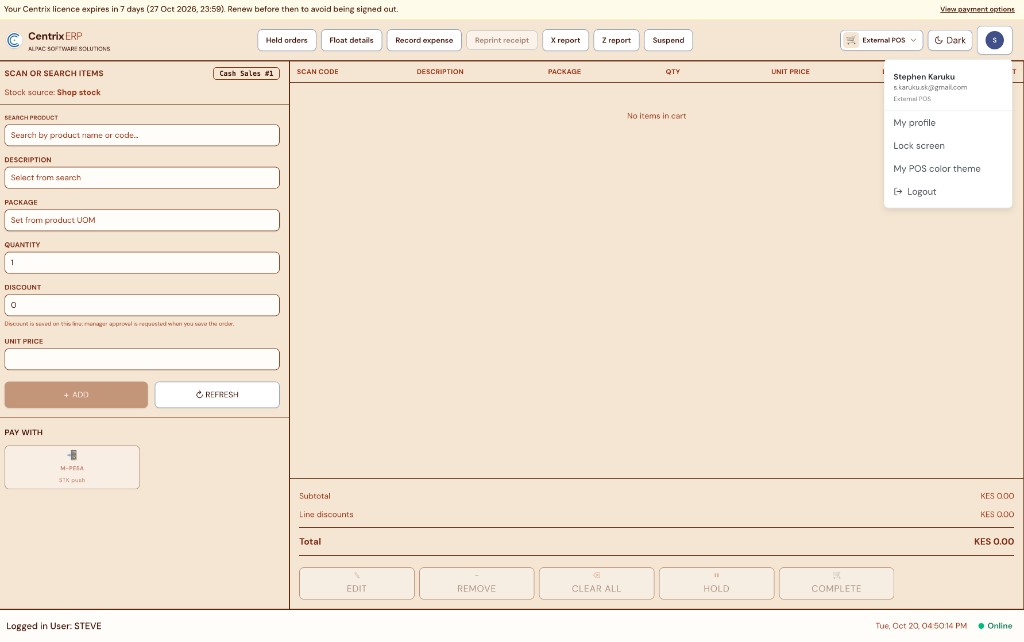 CentrixERP · External POS
FAQ
CentrixERP has four industry products: Retail & Wholesale (shops, pharmacies, hardwares, supermarkets, warehouses, distribution), Hotel & Hospitality (bars, restaurants, rooms), SPA & Kinyozi (salons and barbershops), and Driving School. Pick the product that matches how you already work — shared accounting and HR sit underneath when licensed.
Compare industriesOpen Instant trial, enter your business details and password, choose your industry, and CentrixERP creates a live organisation on Package 1. You get a company code and username, then sign in to the CentrixERP app and choose your application.
Start Instant trialPackage 1 is the free baseline. Paid self-serve plans are published by CentrixERP platform managers — the featured starter is Retail & Wholesale Starter at KES 2,000 / month. Upgrade later with Paybill / M-Pesa on the same organisation.
See packagesExternal POS is the dedicated checkout app for retail and wholesale. Modern UI suits guided scan/search counters; Classic Mode is the keyboard-speed table for bags and kg. Cashiers pick a colour theme, run till sessions, hold orders, and close end-of-day — with Cash, M-Pesa STK, Equity, and KCB.
See Sales & POSSell on credit from External POS or Backoffice, then open Shop Debtors → Unpaid Debtors for orders, revenue, and unpaid/partial balances. Collect with Cash, M-Pesa, Equity, or KCB against the order — Accounting receivables and reports stay on the same organisation.
See shop debtors