Core Modules
Run multiple outlets with shared catalogues, inter-branch stock transfers, and role-based access. Distribution (dispatch trips, POD, fleet) is a separate application you open after login when licensed.
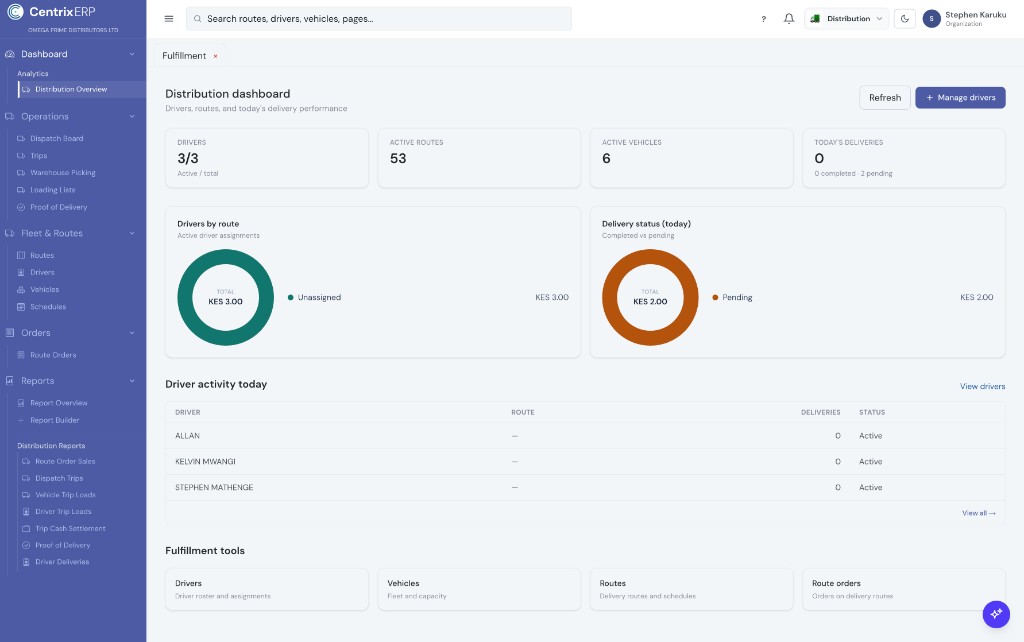
Distribution overview
Drivers, routes, vehicles, deliveries, and fulfillment shortcuts.
In CentrixERP
Administration defines branches and seats. Inventory transfers move stock between outlets on the shared catalogue. When your package includes Distribution, dispatch board, picking, loading, fleet, and POD sit in that app — not mixed into multi-branch settings — so retail shops and route businesses scale without confusing the two.
Typical flow
Product screens
Distribution overview for routes, stock by location, and business summary across branches.
Distribution overview
Drivers, routes, vehicles, deliveries, and fulfillment shortcuts.
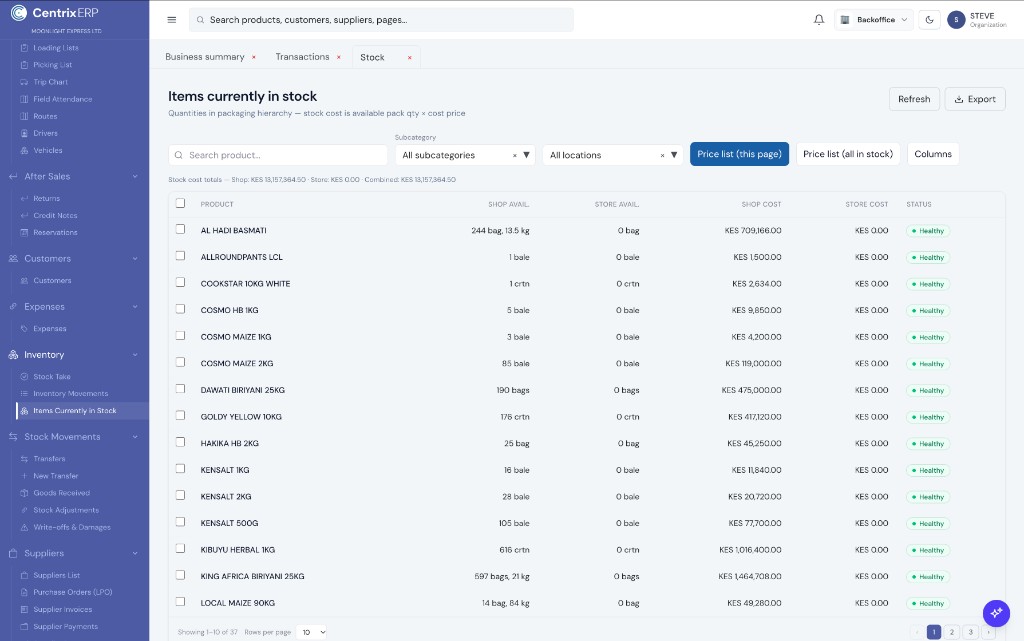
Items currently in stock
Packaging hierarchy by location — bags, bales, cartons, and kg — with shop/store cost totals.
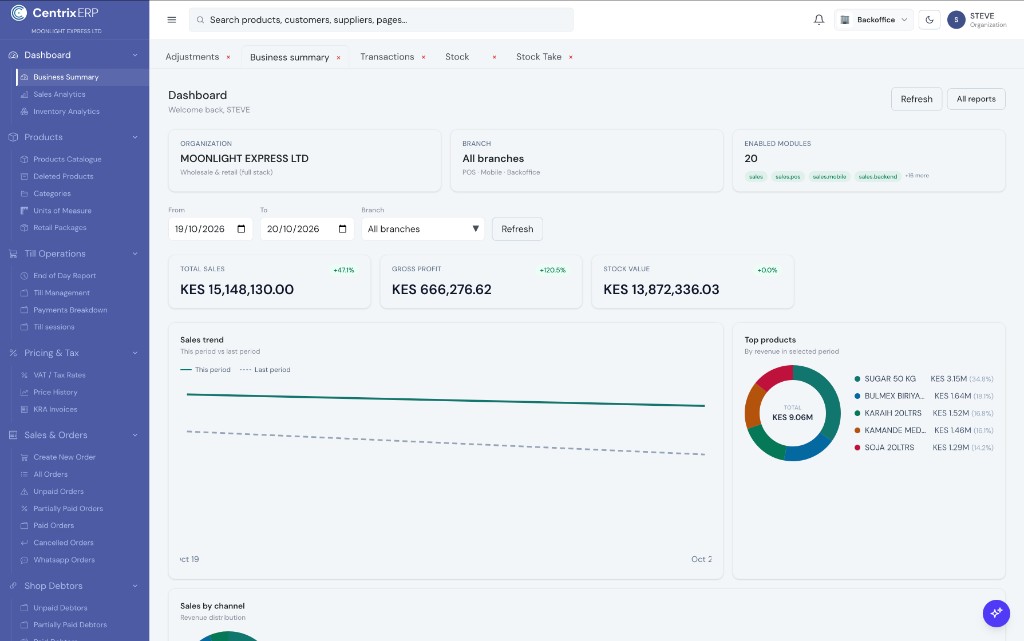
Business summary
Total sales, gross profit, and stock value — with trends and top products for wholesale & retail.
Core Modules
External POS for retail and wholesale counters — pharmacy, hardware, supermarket, warehouse shop floor, or small shop. Choose Modern UI or Classic Mode (table search), pick your own colour theme, then sell with scan/search, packages/UOM, held orders, M-Pesa, till sessions, and end-of-day tied to Backoffice. Pair with shop debtors when customers buy on credit.
Core Modules
See what you have in packaging hierarchy — bags, bales, cartons, and kg — across shop and store locations. Track inventory movements by product, transfer stock, receive goods, adjust write-offs, and keep cost totals next to available pack quantity × cost price.
Core Modules
Accounting dashboard for month-to-date performance — revenue, net income, assets, and receivables — plus expenses, customer invoices, payables, general ledger, bank and M-Pesa reconciliation, and financial statements (trial balance, balance sheet, P&L, cash flow).